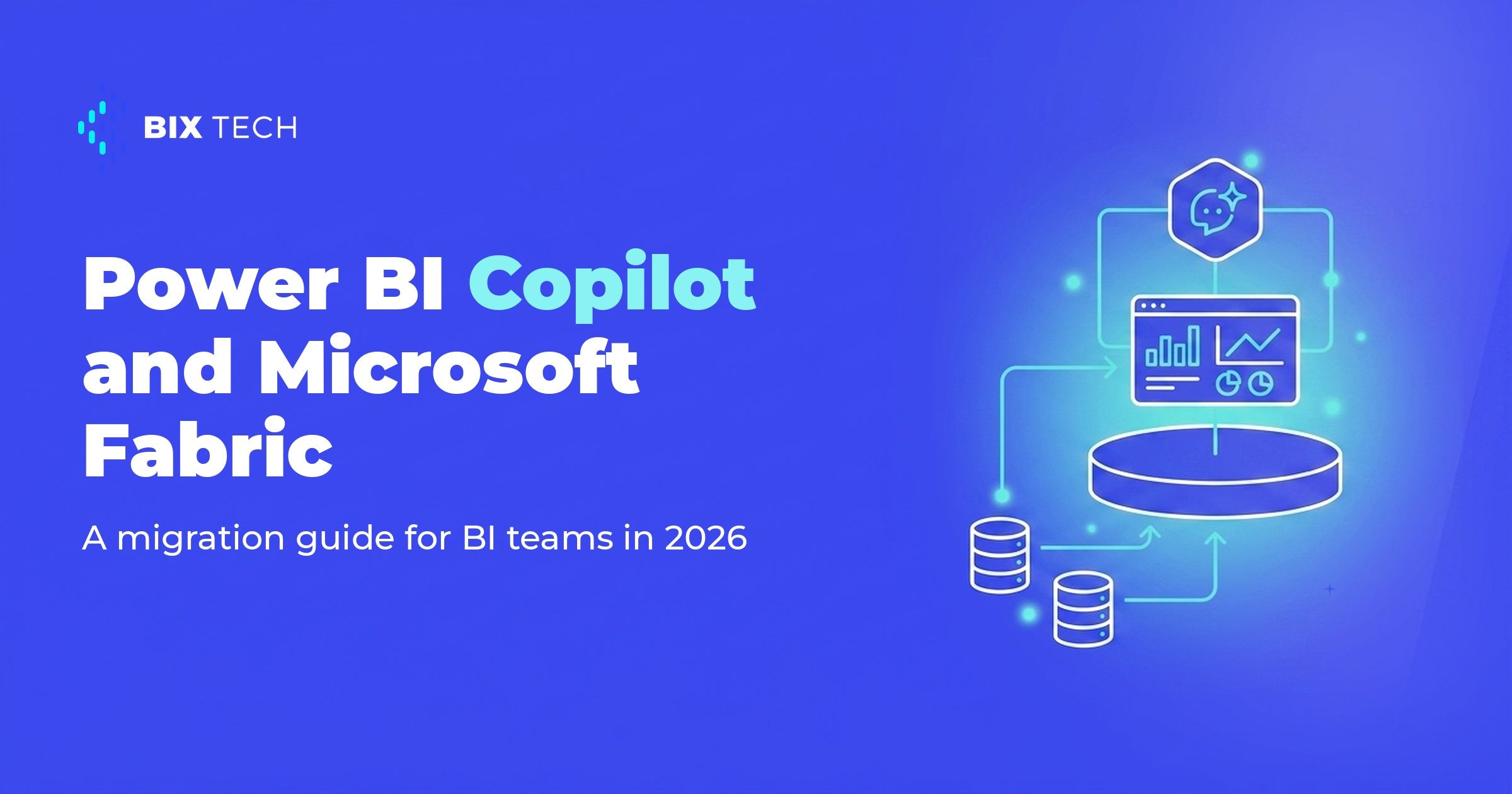
Migrating to Power BI Copilot and Microsoft Fabric has moved from an innovation experiment to a planning priority for teams that run BI every day. The reason is practical: Microsoft was named a Leader in the 2025 Gartner Magic Quadrant for Analytics and BI Platforms for the 18th year in a row, and the platform underneath those reports has changed shape. For many teams, staying on the old model has become the riskier choice, not the safer one.
There is a concrete trigger behind this. Microsoft is retiring the capacity-based Power BI Premium (P SKUs) and moving those customers onto Fabric capacities (F SKUs). In the same shift, Copilot no longer requires a large capacity and now runs on smaller ones, which completely changes who can adopt it. Teams that understand this early buy themselves planning time.
This guide breaks the migration to Power BI Copilot and Microsoft Fabric into clear stages: what to check first, how to bring data into the new architecture, how to handle semantic models, and how to govern generative AI without giving up control. The goal is to move from "let us try it" to a plan that implements BI predictably.
Why 2026 is the year to migrate to Power BI Copilot and Microsoft Fabric
The first driver is licensing. Power BI Premium P SKUs were pulled from sale for new customers on July 1, 2024, and Microsoft treats Fabric as a superset of Premium. In practice, the natural renewal of many contracts already points to Fabric capacity, so the question shifted from "if" to "when and how." It is the same underlying logic that drives choosing a BI platform like Power BI versus Qlik.
The second driver is access to Copilot. Until 2025, turning on the AI assistant required a hefty capacity. Today, the official docs confirm that Copilot in Power BI needs a paid Fabric capacity of F2 or higher, or Premium P1 or higher, and that a Pro or PPU license alone does not enable it. The entry barrier dropped sharply, repositioning Copilot from "large-enterprise luxury" to "mid-sized data team tool."
The third driver is platform maturity. Power BI has more than 30 million monthly active users, according to Microsoft's official Gartner 2025 announcement. A reminder is worth making here: BIX Tech is agnostic. We work with multiple data, cloud, and engineering solutions, and the decision to migrate depends on each operation's context, as we show when comparing Qlik and Looker. Fabric fits Microsoft-centric stacks very well, but it is not the single answer for every scenario.
What changes in the architecture: OneLake, Direct Lake, and Data Agents
Microsoft Fabric is an analytics platform delivered as SaaS that unifies data engineering, data warehousing, data science, and Power BI on a single storage layer, OneLake. Instead of copying data between tools, OneLake works as one logical, tenant-wide data lake with shortcuts to external sources without ETL. For teams coming from a fragmented setup, this simplifies governance and reduces duplication, in line with Microsoft Fabric's architecture and adoption challenges.
The most important technical piece for BI is Direct Lake. It is a semantic-model storage mode that loads Delta tables straight from OneLake into memory, without the traditional import refresh, according to the Direct Lake documentation. The result is the freshness of DirectQuery with the speed of Import mode, which tackles a classic pain for anyone maintaining heavy dashboards across a full Fabric data architecture.
The AI layer goes beyond Copilot. Fabric Data Agents (formerly "AI skills") answer natural-language questions over governed data, generating queries in SQL, DAX, and KQL, always in read-only mode, per the Data Agents documentation. It is the path to analytical self-service without opening the database to everyone, a theme that connects directly to comparing data mesh, lakehouse, and data fabric architectures.
| Storage mode | How it works | Where it fits |
|---|---|---|
| Import | Data copied and compressed into memory | Moderate volumes, maximum read performance |
| DirectQuery | Queries the source in real time | Data that must always be current |
| Direct Lake | Reads Delta tables from OneLake into memory, no copy | Large volumes in Fabric with near-Import performance |
A step-by-step migration guide for BI teams
The sequence below avoids the most common mistake, which is turning Copilot on before the foundation is ready. Each step unlocks the next, and skipping stages usually creates rework, something any team that has run a Power BI governance project recognizes.
Step 1: Map capacity and licensing
Before anything else, confirm that the organization has a Fabric capacity of F2 or higher (or Premium P1+), because that is the floor for Copilot and Direct Lake, according to the official documentation. Pro licenses still work for consuming reports, but they do not enable the AI or the new storage mode. This mapping connects budget and expectation, avoiding the frustration of promising Copilot without the right capacity.
Step 2: Bring the data into OneLake
With capacity defined, the next step is consolidating sources in OneLake, using shortcuts and Delta tables to reduce copies. Teams that already built pipelines on Azure find a short path, as we detail in the guide to migrating from Azure Synapse to Microsoft Fabric. The goal here is a single, governed source before rebuilding reports.
Step 3: Convert semantic models to Direct Lake
Now the semantic models point to the Delta tables in OneLake using Direct Lake. Take the chance to clean duplicate measures, standardize names, and document relationships, because Copilot and Data Agents respond better over a well-described model. Composite models, mixing Direct Lake and Import, help with a gradual transition, as described in the Direct Lake documentation.
Step 4: Enable and govern Copilot
With the foundation ready, turn on Copilot and define usage rules. It generates reports, summarizes models, and writes DAX queries in natural language, according to the official Copilot introduction. Administrators control access through the admin portal, so treat this as part of your data policy, the same way you would weigh a practical Azure Synapse to Fabric path.
Common pitfalls and how to govern the AI
The first pitfall is underestimating governance. Microsoft's documentation confirms that data stays within the organization's tenant and is not used to train foundation models, and that prompts are not stored after the session ends. Even so, it is up to the team to set sensitivity labels and row-level security, especially when releasing Data Agents to business areas that previously did not touch the underlying data behind modern business intelligence.
The second pitfall is treating everything as a single, one-shot migration. Workloads with legacy integrations, like environments tied to Azure Synapse migration strategies, call for phases and validation. The third is ignoring per-capacity limits: each SKU has volume and memory guardrails in Direct Lake, so sizing wrong degrades the experience. Planning capacity alongside scope is what separates a calm migration from a scare at the first usage spike.
Once the SKU is chosen, keeping the bill predictable depends on how workloads burst, smooth and throttle against that shared pool, which is the focus of Microsoft Fabric cost optimization with capacity units.
Migrating to Power BI Copilot and Microsoft Fabric in 2026 is less about following a trend and more about aligning architecture, licensing, and governance before the forced transition knocks on the door. When the data sits in OneLake, models run on Direct Lake, and the AI operates inside clear rules, the BI team stops firefighting and starts delivering fast answers with confidence. If your company is weighing the migration to Power BI Copilot and Microsoft Fabric, our specialists can help design the right architecture for your context. Talk to our team and move your data maturity forward. ⬇️

What is Power BI Copilot and what is it for? Power BI Copilot is the generative AI assistant inside Power BI. It creates and edits reports, summarizes semantic models, and writes DAX queries from natural-language prompts, according to Microsoft's documentation. In practice, it speeds up building analyses and reduces dependence on DAX experts, as long as the underlying data model is well designed.
Do I need Microsoft Fabric to use Copilot in Power BI? Yes, in most cases. Copilot requires a paid Fabric capacity of F2 or higher, or Premium P1 or higher. A Power BI Pro or PPU license alone does not enable the feature. That is why migrating to Fabric is usually the prerequisite for rolling out generative AI across the organization.
What is the difference between Import, DirectQuery, and Direct Lake? Import copies data into memory and delivers high performance. DirectQuery queries the source in real time, prioritizing fresh data. Direct Lake reads Delta tables straight from OneLake into memory, with no copy or traditional refresh, combining data freshness with near-Import speed on large volumes.
How do I migrate to Microsoft Fabric without disrupting operations? Start by mapping capacity and licensing, bring data into OneLake, convert semantic models to Direct Lake, and only then enable Copilot. Composite models and a phased migration let you run the new and old environments in parallel, reducing risk during the transition.
Does Power BI Copilot use my company data to train its models? No. Microsoft states that data stays within the organization's tenant and is not used to train foundation models, and that prompts are not stored after the session ends. Even so, configuring sensitivity labels, permissions, and row-level security remains the data team's responsibility.