Pairing MCP + LangGraph solves the most stubborn problem teams hit when they move AI agents into production: connecting them to the outside world. A language model on its own can only talk. To query a database, open a ticket, or read a file, it needs tools, and every new tool tends to become a bespoke connector that someone has to write, test, and maintain.
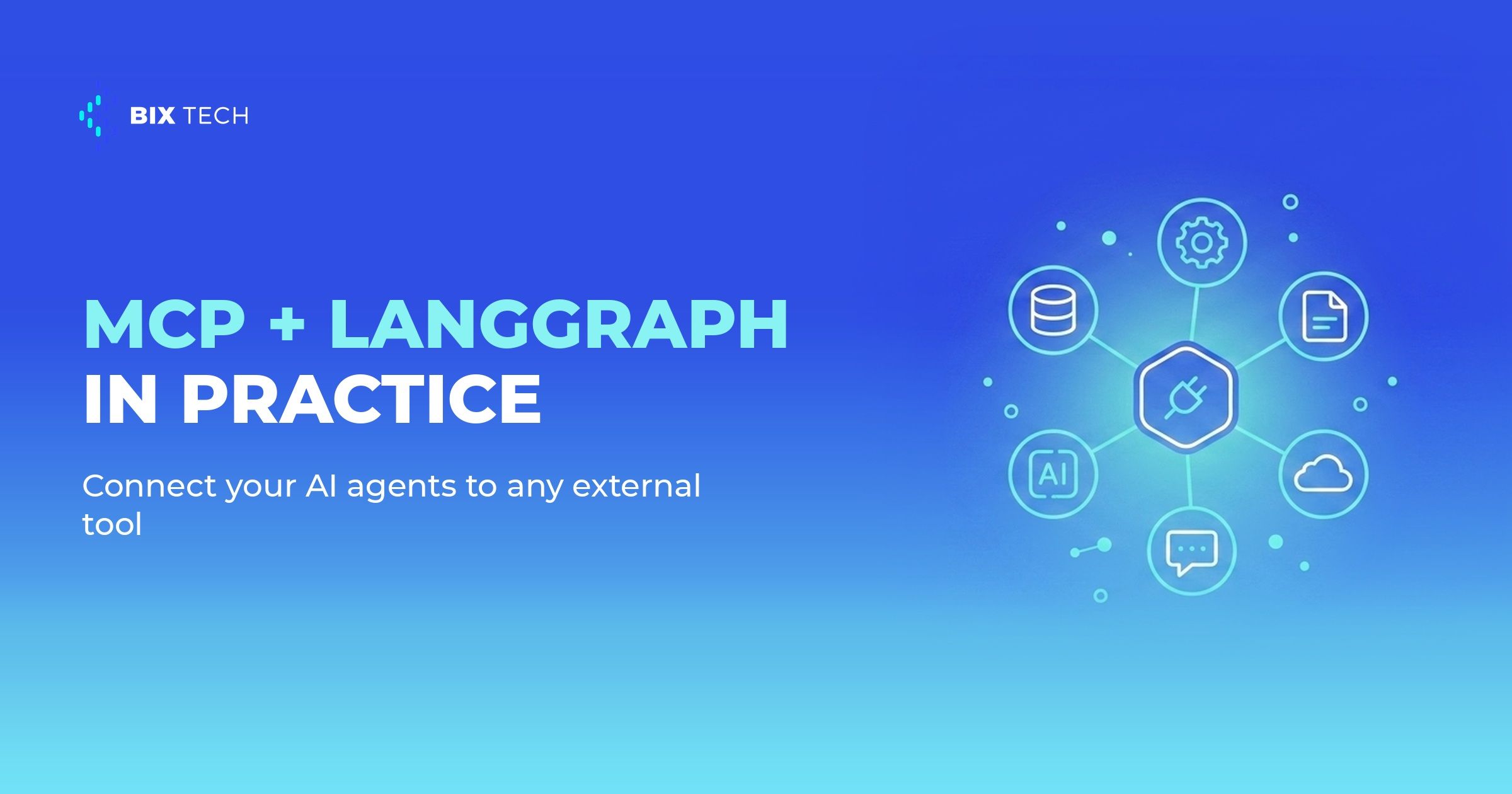
That coupling is what blocks scale. When each autonomous agent talks to each system in its own way, the number of integrations grows quadratically and maintenance becomes the bottleneck. The Model Context Protocol (MCP) targets exactly that pain: it standardizes how an LLM discovers and uses external tools, much like USB standardized how peripherals plug in.
On the other side of the equation sits orchestration. Access to a hundred tools means nothing if the agent does not know when and in what order to use them, which is where agent orchestration with LangGraph comes in. Below, we show how these two worlds fit together in practice, from architecture to the minimal code that stands the whole thing up.
What MCP is and why it matters for AI agents
The Model Context Protocol is an open standard, released by Anthropic in late 2024, for connecting AI assistants to external data sources and tools (official documentation). It defines a client-server protocol: an MCP server exposes capabilities (tools, resources, and prompts), and an MCP client embedded in the agent application consumes those capabilities in a uniform way, which is a natural fit for the kind of MCP-powered AI agent many teams are now building.
The benefit is decoupling the tool provider from the tool consumer. Instead of writing a specific connector for each combination of model and system, you write one MCP server and any compatible client can see it, whether that client is an agent built with LangChain, a corporate chat app, or an IDE. The growing ecosystem of ready-made servers for GitHub, Slack, SQL databases, and file systems already reflects this network effect, as the official servers repository shows.
For teams that already maintain internal APIs, the key point is that MCP does not replace those APIs: it wraps them in a layer the model can understand on its own. The server describes each tool with a name, parameters, and a natural-language description, and the LLM uses that description to decide the call. This is the same principle behind API-first analytics, now extended to consumption by machines that reason.
MCP + LangGraph in practice: the architecture of the connection
LangGraph acts as the brain that decides the flow. It models the agent as a state graph, where each node can reason, call a tool, or hand off control, and that structure is what brings predictability when you need to move past the prototype, much like the trade-offs covered in LangGraph vs CrewAI. The tools the graph triggers, in turn, can come entirely from MCP servers.
The glue between the two is the langchain-mcp-adapters library, which connects to one or more MCP servers and converts the remote tools into native LangGraph tools. In practice, you point at the servers, load the tools, and hand everything to an agent, without rewriting a single integration:
from langchain_mcp_adapters.client import MultiServerMCPClient
from langgraph.prebuilt import create_react_agent

client = MultiServerMCPClient({
    "filesystem": {
        "command": "npx",
        "args": ["-y", "@modelcontextprotocol/server-filesystem", "/data"],
        "transport": "stdio",
    },
    "github": {
        "url": "https://your-internal-host/mcp",
        "transport": "streamable_http",
    },
})

tools = await client.get_tools()
agent = create_react_agent("anthropic:claude-opus-4-1", tools)
Notice that the two servers use different transports. The stdio transport runs a local process, ideal for tools that live on the same machine, while streamable_http talks to remote services over the network, the natural path for the kind of workflow orchestration that connects distributed systems. The agent does not perceive the difference: to it, they are simply available tools.
This design also pairs well with retrieval patterns, where RAG and agents increasingly operate over the same data layer. A single MCP server that queries a data warehouse can serve both a retrieval pipeline and a support agent, without duplicating access logic.
MCP or direct integration: when each approach fits
The choice is not "MCP always." Like any architecture decision, it depends on the scenario, and BIX Tech works with multiple integration, AI, and engineering approaches depending on each operation's reality. The table below sums up the criteria that usually drive this call.
| Criterion | MCP via LangGraph | Direct integration in code |
|---|---|---|
| Number of tools | High and growing | Few and stable |
| Reuse across projects | One server serves many agents | Connector tied to one app |
| Speed of first prototype | Requires standing up the server | Faster on day one |
| Standardization and governance | Centralized in the server | Spread across each codebase |
| Long-term maintenance | One point per system | Grows with each integration |
When the tool catalog is small and stable, a direct connector does the job and avoids an extra layer. But when several teams and several agents need to talk to the same systems, MCP turns an N x M integration problem into an N + M one, and that is where the investment pays off. For teams already orchestrating workflows, it is worth weighing this against options like those discussed in LangGraph and LangSmith.
Governance: what cannot be missing before production
Giving an agent the power to take real actions widens the risk surface. An MCP tool that writes to a database or sends an email deserves the same care as any sensitive credential, with least-privilege scopes and an audit trail, principles that apply to all agent-to-agent communication. Treating the MCP server as a security boundary, not an implementation detail, is what separates the pilot from production.
Observability is the second pillar. When the agent decides on its own which tool to call, you need to see every step: what was requested, which tool responded, and how much it cost. Real-time LangGraph agent supervision applies directly here, because an agent that uses MCP generates far more calls than a traditional chatbot.
Finally, flow control. LangGraph lets you insert human approval checkpoints and iteration limits, features that keep an agent from looping or running an irreversible action without review. Combining that control with disciplined multi-agent design closes the loop between autonomy and accountability, which is where most serious projects need to land.
The real win of MCP + LangGraph is not an impressive demo, it is the maintenance of the day after: tools that get reused, integrations that stop multiplying, and agents that evolve without a rewrite. If your company is building AI agents that need to act on real systems, our experts can help you design the right integration and orchestration architecture for your context. Talk to our team and move your data maturity forward. ⬇️

If you are connecting AI agents to internal tools and systems, our specialists can work through the implementation with the team that will maintain it. Talk to our team.
 What is MCP (Model Context Protocol)? It is an open standard created by Anthropic to connect language models to external tools and data sources through a client-server architecture, reducing the need for bespoke connectors for each system.
Why combine MCP with LangGraph? MCP provides standardized access to external tools, and LangGraph orchestrates when and how the agent uses them, separating the integration layer from the reasoning and flow layer.
Do I need to replace my current APIs with MCP servers? No. An MCP server usually wraps existing APIs, exposing them in a way the model understands, without forcing you to replace your infrastructure.
Does MCP work with any agent, or only Anthropic's? The protocol is open and vendor-neutral. Any compatible client, including LangGraph agents running different models, can consume MCP servers.
When does direct integration still make more sense? When the number of tools is small and stable and there is no reuse across projects, a direct connector tends to be simpler than maintaining a dedicated MCP server.