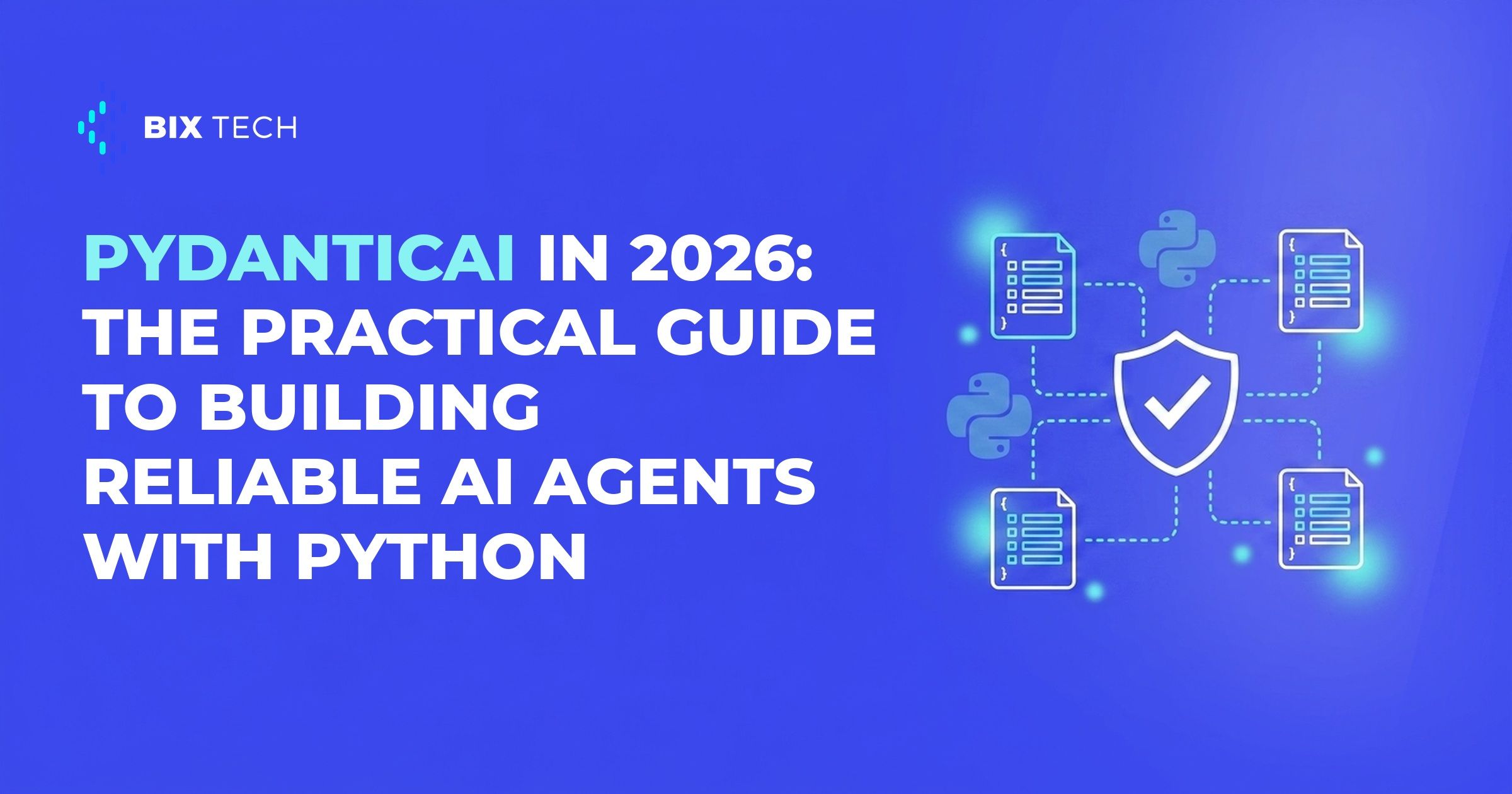
PydanticAI established itself in 2026 as one of the most direct answers to the problem that stalls almost every AI agent project: moving from the prototype that works in a demo to the system that holds up in production. The framework's promise is easy to state and hard to deliver, reliability.
The numbers help explain the traction. According to the official 1.0 release announcement, shipped on September 4, 2025, the library had reached 15 million downloads in the nine months before that stable milestone. For an artificial intelligence tool this young, that is a clear signal the Python community bought into the idea.
This practical guide covers what PydanticAI is, why it bets so heavily on reliability, and how to build your first agent step by step. The focus here is on teams that need to put agents into real workflows, not just test an idea in a notebook.
Why reliability became the bottleneck for AI agents
An AI agent is a program that uses a language model to decide actions, call tools, and produce responses. The trouble starts when that behavior has to be predictable. Generative models are probabilistic by nature, and that clashes with the expectation of software that scales without breaking.
In practice, three pains repeat. The model output arrives as free text when the system expected a structured object. Tools receive malformed arguments and fail silently. On top of that, there is little visibility into what the agent did at each step, which complicates governance of those agents.
Solving this by hand is expensive. Each team ends up rewriting the same validation, parsing, and error-handling code. PydanticAI was created precisely to standardize that layer, bringing to the world of agents the same discipline that Pydantic already brought to data validation in Python.
What PydanticAI is and how it delivers reliability
PydanticAI is an agent framework built by the Pydantic team, makers of the most widely used data-validation library in the Python ecosystem. The core idea is to treat the model's response as typed data, not loose text. You define the expected structure with a Pydantic model, and the framework validates the agent's output against that contract before handing it back to your code, which matters even for data privacy and governance.
This approach rests on a few pillars worth knowing before you write the first line. The table below sums up what each one solves in an AI-for-data-analysis project.
| Pillar | What it does | Why it matters |
|---|---|---|
| Typed output | Validates the response against a Pydantic model | Removes manual parsing and off-format responses |
| Dependency injection | Passes context and services via RunContext | Keeps the agent testable and decoupled |
| Typed tools | Functions decorated with @agent.tool | Guarantees valid arguments before execution |
| Model-agnostic | Supports OpenAI, Anthropic, Gemini, Mistral, and more | Swap providers without rewriting the agent |
| Observability | Native integration with Pydantic Logfire | Traces every agent step in production |
The model-agnostic stance deserves a highlight. The framework supports virtually any provider, from OpenAI and Anthropic to Gemini, DeepSeek, Mistral, and Cohere, according to the official documentation. At BIX Tech, which works with multiple cloud, data, and engineering solutions, that neutrality is what lets a team pick the right model for each use case, from retail to industry, without locking into a single vendor.
How to build a reliable agent with PydanticAI: step by step
The best way to understand the framework is to build a minimal agent. The path below starts from the simplest example and grows into the structure you would use in a production data and AI pipeline.
Step 1: Install and create the basic agent
With your environment ready, install the library with pip install pydantic-ai. The framework's "hello world" fits in a few lines and already shows the typed reading of the response, as documented in the official GitHub repository. This is the same kind of foundation that separates a well-structured AI project in the cloud from a loose experiment.
from pydantic_ai import Agent

agent = Agent(
    'anthropic:claude-sonnet-4-6',
    instructions='Be concise, reply with one sentence.',
)

result = agent.run_sync('Where does the phrase "hello world" come from?')
print(result.output)
Step 2: Define a structured output
Here is the heart of reliability. Instead of free text, you declare a Pydantic model as the output_type, and the agent returns an already-validated object. That contract is what separates a prototype from something reliable enough to feed data-driven decisions.
from pydantic import BaseModel, Field
from pydantic_ai import Agent

class Triage(BaseModel):
    category: str = Field(description='Ticket category')
    priority: int = Field(ge=1, le=5)

agent = Agent('openai:gpt-5.2', output_type=Triage)
result = agent.run_sync('I cannot access my account.')
print(result.output.priority)  # int validated between 1 and 5
Step 3: Add tools and dependencies
Useful agents need to query databases, APIs, and business rules. PydanticAI handles this with dependency injection via RunContext and decorated tools, which keeps the agent decoupled and easy to test. It is the same principle behind structured communication between agents with LangGraph.
Step 4: Instrument before going to production
Finally, wire up observability. The native integration with Pydantic Logfire records every model call, every tool, and every validation, which is decisive when you need to scale agents safely. Features like durable execution with Temporal and human-in-the-loop tool approval complete the jump from prototype to production.
Common mistakes when moving agents to production
The first mistake is treating the framework as a silver bullet. PydanticAI is a strong option when typing and validation are the priority, but tools like LangGraph, CrewAI, and Langflow fit other scenarios better, such as visual orchestration or complex state graphs. The choice is always situational, and at BIX Tech it starts from the reality of each operation.
Another frequent slip is ignoring observability until something breaks. Without tracing, a multi-agent system turns into a black box, and diagnosing a wrong answer costs hours. Instrumenting from day one is cheaper than debugging in the dark.
Then there are those who give up human control over sensitive actions. Letting an agent run irreversible operations without approval is the kind of risk that agent-driven analysis recommends avoiding, with layers of validation and human approval in the flow.
Reliability, in the end, is not an isolated feature, but the result of typing, validation, testability, and observability working together. PydanticAI organizes these elements into a stable API, with a commitment not to break compatibility for at least six months, and that is why it became a natural entry point for teams that want to take autonomous AI agents seriously in 2026.
If your company is structuring AI agents in Python and wants to move from prototype to production with confidence, our specialists can help design the best architecture for your context. Talk to our team and advance the maturity of your data. ⬇️

If your team is building AI agents in Python and needs them to behave predictably, our specialists can review the architecture and the trade-offs before you commit to an approach. Talk to our team.
PydanticAI assumes Python; for when that assumption holds and when it does not, see how to choose a programming language and framework.
 What is PydanticAI and what is it for? PydanticAI is a Python framework, built by the Pydantic team, for building reliable AI agents. It is used to type and validate an agent's inputs, outputs, and tools using Pydantic models, reducing off-format responses in production applications.
What is the difference between PydanticAI and LangChain or LangGraph? The main difference is focus: PydanticAI prioritizes strong typing and validated outputs, while LangChain and LangGraph stand out in chaining and orchestrating flows and state graphs. The choice is situational and depends on what your project needs.
How do you install and use PydanticAI? You install it with pip install pydantic-ai and create an agent in a few lines, defining the model (such as openai:gpt-5.2) and, optionally, a Pydantic output_type to validate the response. The agent runs with run_sync() or run().
Is PydanticAI free? Yes. PydanticAI is open source and free, available on PyPI. The cost comes from the language models you connect to it, such as OpenAI, Anthropic, or Gemini, billed by usage.
Can PydanticAI be used in production? Yes. Since version 1.0, released in September 2025, PydanticAI has a stable API and production-oriented features such as observability via Logfire, durable execution with Temporal, and human-in-the-loop tool approval.