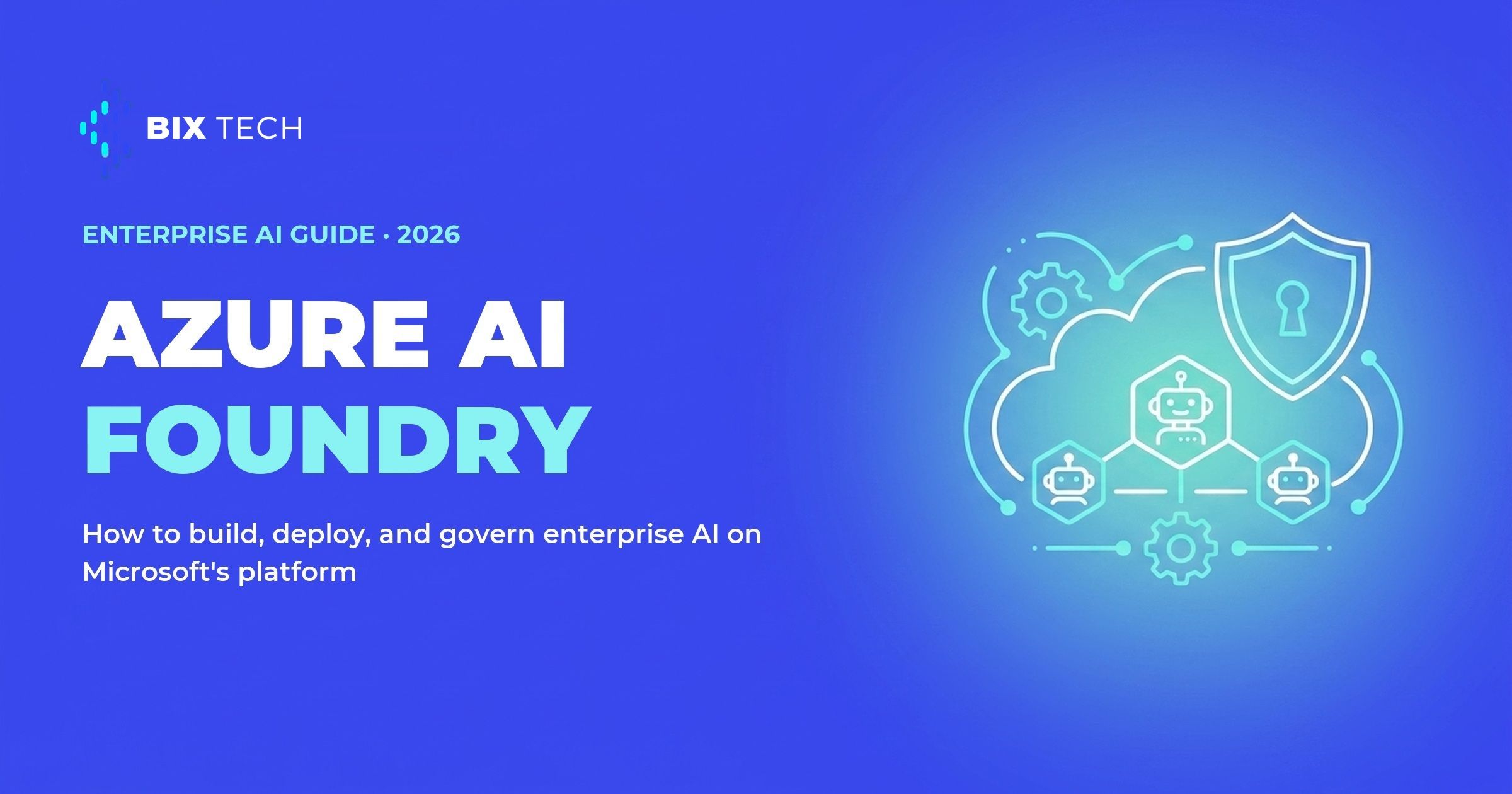
Most enterprise AI projects do not fail at the demo. They fail at the moment a working prototype has to become a production system that runs reliably, respects data policy, and can be audited. Azure AI Foundry is Microsoft's answer to that gap: a single platform to build, deploy, and govern AI applications and agents across their full lifecycle. If your team has ever shipped a promising pilot only to stall on security review, this is the layer that Microsoft designed to unblock it.
Foundry unifies what used to be scattered across Azure AI Studio and Azure OpenAI Studio into one control plane. At Build 2026 Microsoft rebranded the product to "Microsoft Foundry," so you will see both names in the wild, but the capability set is the same. The shift in emphasis is worth noting. As Microsoft framed it at Build, the competitive front in enterprise AI is no longer raw model capability. It is reliability and governability, the boring parts that decide whether an agent ever reaches real users. That framing echoes what we covered in our Microsoft Build 2026 recap for data and AI teams.
This guide walks through the three jobs the platform is built for, then gives you a decision table for choosing between Foundry and its Microsoft siblings. The goal is practical: understand where Azure AI Foundry fits before you commit an architecture to it.
What is Azure AI Foundry, and why it matters now
Azure AI Foundry is an integrated environment for the full agent lifecycle, from picking a model to running it under enterprise controls. It bundles a model catalog with thousands of models from OpenAI, Meta, Mistral and others, an agent runtime, a knowledge and retrieval layer, evaluation tooling, and a governance control plane, all reachable from the same portal and SDK. You can read the full scope on the official Microsoft Foundry product page.
The reason it matters now is timing. Teams have moved past asking whether large language models are useful and are asking how to run agents that touch real data and real workflows without creating new risk. That is a different engineering problem, and it looks a lot like the one that data platforms already solved for analytics, which is why the same governance vocabulary shows up in our writing on the semantic layer that keeps AI agents grounded.
Building agents on Azure AI Foundry
Building starts with the model catalog and the Microsoft Agent Framework, a set of orchestration building blocks for defining how an agent reasons, calls tools, and hands off to other agents. You bring your preferred framework and model rather than being locked into one, which mirrors the framework-agnostic approach we take with tools like PydanticAI for reliable Python agents. The Foundry Toolkit for Visual Studio Code, now generally available, keeps that work inside the editor developers already use.
Grounding is where most agents live or die. Foundry IQ is the platform's dedicated knowledge layer, and it unifies sources like Work IQ, Fabric IQ, Azure SQL, file search, and Model Context Protocol connectors behind a single retrieval endpoint with an SLA. Instead of stitching together retrieval plumbing per project, teams point the agent at governed knowledge, a pattern that pairs naturally with a well-modeled Microsoft Fabric and Power BI Copilot setup.
Tooling has also matured. Toolboxes group the tools an agent can reach, and a new tool-search feature selects the right tool per task instead of dumping every option into the model's context. For a data team, this is the difference between an agent that guesses which query to run and one that reaches for the correct governed source, a discipline we also stress when comparing native data agents like Cortex Analyst and Databricks Genie.
Deploying agents to production with the Foundry Agent Service
Deployment is handled by the Foundry Agent Service, a managed runtime where every agent session runs in its own sandbox with dedicated compute, memory, and filesystem access. That isolation matters because one user's session cannot leak state into another's, which is a hard requirement for multi-tenant enterprise apps and one we design around when deploying AI agents with Docker and Kubernetes.
The service promises a one-command deploy from a defined agent to a session-isolated runtime with identity and observability wired in. In practice that removes a large chunk of the "infrastructure glue" that usually sits between a prototype and production, the same glue that data teams spend months building by hand on general-purpose orchestration, as we discussed in our Databricks lakehouse architecture guide.
Observability is built on OpenTelemetry, so every agent interaction is traceable end to end, and Foundry ships evaluators for coherence, relevance, groundedness, and safety. You can measure whether an agent is drifting or hallucinating instead of guessing, which turns "the bot feels worse this week" into a metric you can act on and connects directly to the reliability mindset behind any production agent deployment.
Governing enterprise AI: identity, safety, and compliance
Governance is the part that decides whether security signs off, and here Foundry leans on the wider Microsoft stack. The control plane integrates natively with Microsoft Entra, Purview, and Defender, so the same tools that govern your users and data extend to your agents rather than becoming a separate silo. That single-plane approach is what lets a governance model scale past the first pilot, a lesson every team relearns when moving from experiments to systems of agents.
The keystone is Microsoft Entra Agent ID, which assigns each agent a unique, first-class identity in your Entra directory. An agent shows up like a user, with its own access controls and permissions, so you can answer "what can this agent see and do" with the same rigor you apply to employees. For data leaders wrestling with least-privilege access, that identity model is the foundation everything else builds on, much as a governed semantic layer is the foundation for trustworthy analytics.
Safety and compliance round it out. Content Safety sits in the Foundry control plane, Defender for Cloud adds AI threat protection, an AI Red Teaming Agent probes for weaknesses before attackers do, and Purview extends data compliance to agent activity. Microsoft also offers out-of-box integrations with responsible-AI vendors for fairness and regulatory tracking, which helps teams facing frameworks like the EU AI Act, a concern that shapes how we approach every enterprise data platform.
Azure AI Foundry vs Copilot Studio vs Azure Machine Learning
Microsoft offers more than one way to build an agent, and picking the wrong door wastes months. Copilot Studio is the low-code path for makers who want copilots inside Microsoft 365, while Azure Machine Learning remains the home for classic model training and MLOps. Azure AI Foundry sits between them as the code-first platform for custom, production-grade agents. The table below maps where each one fits, and these are not mutually exclusive: a common pattern proves value in Copilot Studio, then moves the more complex cases to Foundry.
| Criterion | Azure AI Foundry | Copilot Studio | Azure Machine Learning |
|---|---|---|---|
| Primary user | Pro developers, AI engineers | Business makers, low-code builders | Data scientists, ML engineers |
| Interface | Code-first (Python, SDK) plus portal | Drag-and-drop, natural language | Notebooks, SDK, visual designer |
| Core capability | Managed agent runtime, tools, knowledge, and governance | Low-code copilot builder on Power Platform | ML training, experimentation, and model serving |
| Governance | Entra Agent ID, Purview, Defender | Power Platform DLP, environment policies | Azure RBAC, MLOps, workspaces |
| Typical use case | Custom, multi-system production agents with deep integration | Internal copilots on Microsoft 365 data | Training and fine-tuning classic ML models |
The distinction is functional. A support copilot that answers HR questions inside Teams is the kind of workload Copilot Studio is built for, a fraud-detection model on tabular data is the kind Azure Machine Learning is built for, and an agent that orchestrates multiple systems, calls custom tools, and runs under audit is the kind Foundry is built for. The three also compose: a common pattern is to prototype in Copilot Studio and move demanding use cases to Foundry. At BIX Tech we work across Azure, AWS, Google Cloud, and open-source stacks, so the platform that fits always follows the workload rather than the other way around.
Azure AI Foundry positions itself around reliability and governance for the full agent lifecycle, from model selection to production monitoring under enterprise controls. For teams already using Azure and Entra, it keeps the build, deploy, and govern stages inside one control plane. Whether it fits a given stack depends on how much custom orchestration, control, and integration the use case requires, and that assessment is specific to each operation.
If your company is planning agents that must run in production under real security and compliance requirements, our specialists can help you design the right architecture for your context, whether that lands on Azure AI Foundry or somewhere else. Talk to our team and move your AI initiatives from pilot to production with confidence. ⬇️

What is Azure AI Foundry used for? Azure AI Foundry is Microsoft's unified platform for building, deploying, and governing enterprise AI applications and agents. It combines a model catalog, an agent runtime, a knowledge layer, evaluation tools, and a governance control plane in one place, so teams can take an agent from prototype to production without stitching together separate services.
Is Azure AI Foundry the same as Microsoft Foundry? Yes. Microsoft rebranded Azure AI Foundry to "Microsoft Foundry" at Build 2026. The two names refer to the same platform, which itself unified the earlier Azure AI Studio and Azure OpenAI Studio. Most documentation and search traffic still uses "Azure AI Foundry," so both terms remain common.
What is the difference between Azure AI Foundry and Copilot Studio? Copilot Studio is a low-code tool for building copilots inside Microsoft 365 with drag-and-drop simplicity, while Azure AI Foundry is a code-first platform for custom, production-grade agents that need complex orchestration, custom tools, and deep integration. A frequent pattern is to prototype in Copilot Studio and move demanding use cases to Foundry.
How does Azure AI Foundry govern AI agents? Foundry governs agents through a single control plane integrated with Microsoft Entra, Purview, and Defender. Microsoft Entra Agent ID gives every agent a first-class identity with its own permissions, Content Safety and Defender add threat protection, and OpenTelemetry-based tracing plus built-in evaluators make agent behavior auditable in production.
When does Azure AI Foundry fit a project? Azure AI Foundry fits custom, multi-system agents that run in production under enterprise identity, security, and compliance controls, and it aligns with teams already using Azure and Entra. Copilot Studio targets simple internal copilots on Microsoft 365 data, and Azure Machine Learning targets classic model training and fine-tuning.