
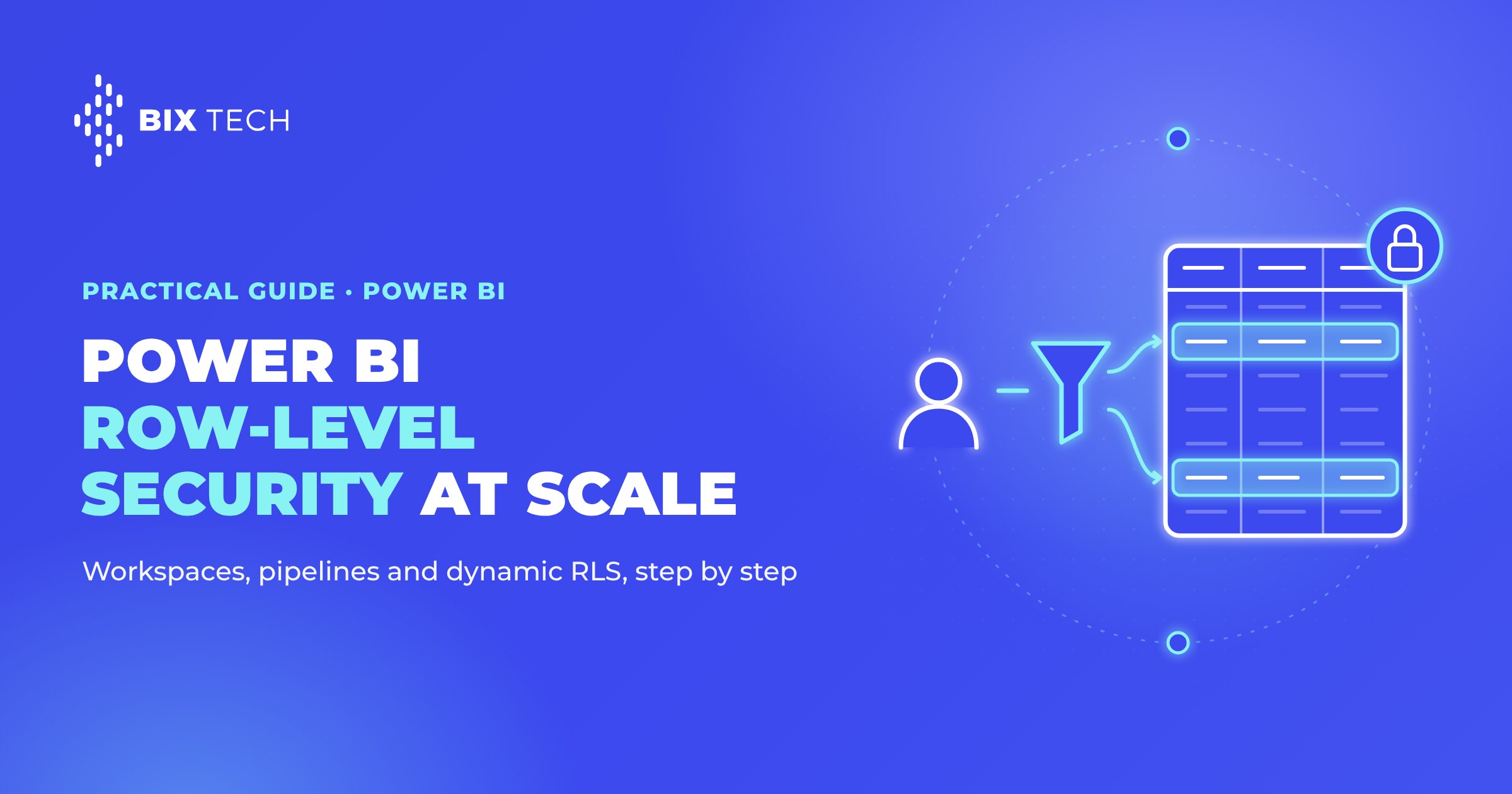
Row-level security in Power BI stops being optional the moment a second team starts publishing in the same tenant. One workspace becomes twelve, every analyst gets Contributor access because it is faster that way, and a model built to show each regional manager only their own numbers quietly shows everyone everything. According to Microsoft's documentation, row-level security restricts data only for users in the Viewer role, so a perfectly written RLS filter has zero effect on anyone holding Admin, Member or Contributor permission. That single rule breaks more security models than any DAX mistake, and it separates a governed platform from a pile of pretty dashboards.
Governance at scale is a layered problem. Workspaces decide who can touch what, deployment pipelines decide how a change reaches production, and row-level security decides which rows a person sees. When those layers disagree, you get the worst outcome for a data team: a report that looks governed and is not. All three ship with the platform, so the work is design applied consistently, as in any serious modern data architecture. This guide covers that access control layer step by step; the operating model, endorsement, sensitivity labels and monitoring around it are in our pillar on Power BI governance.
Workspaces: where access control starts
The workspace is the unit of access control, so the first decision is how many you need and what each is for. Two axes matter: lifecycle separates development, test and production, giving you a place to break things safely, and domain separates business areas such as finance or supply chain, which keeps ownership clear and avoids the shared-folder problem familiar to anyone modeling data across multiple teams.
Inside each workspace, roles do the heavy lifting, and their security implication only shows up in the fine print. RLS filters apply to the Viewer role alone. Everyone else holds edit permission over the semantic model, which means unfiltered data by design, a detail worth settling early by anyone trying to scale enterprise BI without losing control.
Manages the workspace, its users and settings, edits all content.
Sees every row
Adds users with lower permission, shares content, edits items.
Sees every row
Creates, edits and publishes content, schedules refresh.
Sees every row
Views and interacts with published content only.
Filtered by RLS
The consequence is direct: anyone who must see filtered data belongs in Viewer, no exceptions granted for convenience. Microsoft is explicit that even Viewers who receive Build permission stay under RLS, so a Viewer exporting through Analyze in Excel still gets only their rows. Report creators, meanwhile, get Contributor in a development workspace holding data they are allowed to see. Two habits keep that structure honest: grant access through Microsoft Entra security groups rather than naming individuals, and name workspaces predictably, for example FIN-Sales-DEV and FIN-Sales-PRD, which matters as soon as you start migrating content into Microsoft Fabric.
Deployment pipelines: promoting content without breaking production
A deployment pipeline connects one workspace per stage and copies content forward. Microsoft's documentation puts the range at two to ten stages, with new pipelines created using the default three: Development, Test and Production. Three is usually enough to break the habit of editing reports directly in production, a practice as risky as shipping pipelines without the container discipline that Docker and Kubernetes bring.
Item pairing is the mechanic that makes promotion predictable. On deployment, Fabric associates each item with its counterpart in the target stage and overwrites the paired item, while unpaired items create duplicates instead of replacing their twins. Pairs survive renames, and they do not form automatically for items added after a workspace joins the pipeline, which is where most confusing deployments originate. Skimming the Fabric deployment pipelines documentation before a first promotion saves real time.
Deployment rules solve the other classic problem: test should read the test database and production should read production. Configured on the target stage, rules reapply the correct data source, parameter or connection on every deployment, so promotion never drags a development connection string forward. Pipelines also expose REST APIs, so promotion can become a step in the release process a team already runs when productionizing models through a governed deployment flow.
- DevelopmentReads the development database. Report creators hold Contributor, on data they are allowed to see.
- TestA deployment rule points the model at the test database. Testers validate the rows each role returns.
- ProductionA deployment rule points at production. Consumers are Viewers, so RLS applies to every one of them.
A three stage deployment pipeline. Content moves forward; the data source and role membership are set per stage.
How to set up Power BI RLS step by step
Row-level security is defined in Power BI Desktop, published with the semantic model, and assigned in the Power BI service. Microsoft's documented workflow has four beats: define roles and rules, publish, add members, validate. The steps below expand that into an implementation, including the dynamic pattern most organizations reach once they pass a handful of users, a curve much like adopting a governed semantic layer.
- Define the rule
- Map users
- Create the role
- Assign members
- Test as role
- Promote safely
Step 1: define the security requirement before writing DAX
Start from the business rule in one sentence. "A regional manager sees only their own region" is implementable; "managers see what they need" is not. Decide next whether the rule is static, meaning a fixed set of segments, or dynamic, meaning the filter depends on who is signed in. Confirm as well that the requirement concerns rows, since RLS leaves every column of a visible row exposed, a nuance that matters as much as when designing metrics for AI agents.
Step 2: build the user mapping table
Dynamic RLS needs a table connecting each identity to the data it may see: one row per user and permitted key, with the identity stored exactly as the service returns it. Keep that table in the source system and refresh it with the model, so access changes flow through the normal data pipeline instead of manual edits in Desktop.
| Column | Example value | Purpose |
|---|---|---|
UserPrincipalName | ana.silva@company.com | Matches the signed-in identity |
Region | Southeast | The key used to filter fact rows |
IsActive | TRUE | Revokes access without deleting history |
Relate it to the dimension your facts filter by, using a single-direction relationship. Microsoft notes that RLS filtering is single-directional by default and that enabling Apply security filter in both directions can degrade query performance, so reach for bidirectional security only when the model needs it and measure the cost the way you would on any scalable analytics platform.
Step 3: create the role in Power BI Desktop
Open the Modeling tab, select Manage roles, choose New, and name the role, avoiding commas because Power BI rejects them. Pick the table to filter and write the expression in the DAX editor, since dynamic functions such as USERPRINCIPALNAME() are unavailable in the default drop-down editor. A static rule fits when segments are few and stable across the BI platform your team standardized on:
[Region] = "Southeast"
The dynamic version filters by whatever the signed-in user is allowed to see, using the mapping table from step 2. One definition then serves every user, which is why it scales past the point where static roles turn into maintenance work, much like parameterized cost controls in a warehouse:
[Region] IN
CALCULATETABLE(
    VALUES( UserAccess[Region] ),
    UserAccess[UserPrincipalName] = USERPRINCIPALNAME(),
    UserAccess[IsActive] = TRUE()
)
Step 4: publish and assign members in the service
Publish the model, open the workspace, hover the semantic model, then use More options and Security to add users or groups to each role by email address. Distribution groups, mail-enabled groups and Entra security groups are supported, while Microsoft 365 groups and service principals explicitly are not. Assigning groups rather than people keeps membership in identity management, one of the traits that makes a data platform enterprise-ready.
Plan for the unassigned case too. A Viewer belonging to no RLS role typically sees an empty report, because the filter is enforced and no role matches. Roles are additive, so a user in both Sales and Marketing sees the union of both, which helps people covering two territories and hurts when roles are handed out casually. Documenting who belongs where is part of the same governance practice covering the rest of the stack.
Step 5: validate with Test as role
On the Security page, open More options next to the role and choose Test as role, then confirm the visuals return only the expected rows. The Now viewing as control tests another role, a combination of roles, or a specific person. Three gaps are worth memorizing: the feature does not work for DirectQuery models with single sign-on, does not cover paginated reports, and cannot validate Q&A or Copilot visuals. It also evaluates your own identity, so checking an external guest means signing in as that guest, a rigor that applies just as much to open source BI and analytics tools.
Step 6: keep RLS intact through the pipeline
A hidden validation page with a card visual showing USERPRINCIPALNAME() also answers "which identity does the service think I am" instantly, a small diagnostic that saves hours during Fabric adoption.
Where RLS ends and other controls begin
Knowing where RLS stops prevents promising stakeholders something the feature cannot deliver. It filters rows and nothing else, so hiding a salary or margin column calls for object-level security instead.
Filters rows. A regional manager sees only their region's sales, with every column of those rows visible.
Hides columns, tables or measures from a role. Salary or margin disappears from the model for that role.
Connection mode matters too: Import and DirectQuery are supported, live connections to Analysis Services enforce security in the source model, and Direct Lake keeps RLS filters even when a query falls back to DirectQuery, changing only the performance profile of the report, one of several details worth tracking as Microsoft's data and AI stack evolves.
Embedded scenarios follow different rules, since an application authenticating with a service principal makes USERPRINCIPALNAME() return the application identity, so per-user filtering must come from the effective identity in the embed token. At BIX Tech we work with multiple data, cloud and engineering solutions, and the recommendation stays situational: static roles and three stages may cover a small internal deployment, while a multi-tenant product serving external customers demands token-level identity from day one, alongside the practices that protect a data stack end to end.
Governance holds when each layer enforces one thing well and the layers agree: workspaces control who edits, pipelines control what reaches production, RLS controls which rows come back. Align those three and Power BI scales from a handful of reports to an enterprise platform without an access review turning into a fire drill. If your company is scaling Power BI across teams and needs governance that survives an audit, our specialists can help design the workspace, pipeline and RLS model for your context. Talk to our team and move your data maturity forward.

FAQ: frequently asked questions
What is RLS in Power BI governance? RLS, or row-level security, restricts which rows of a semantic model each user can see. You define roles with DAX filter expressions in Power BI Desktop, publish the model, then assign users or security groups to those roles in the Power BI service. Within a governance model, RLS is the layer controlling data visibility, while workspace roles control editing rights.
Why does RLS not apply to some users? Because RLS restricts data only for users in the Viewer role. Microsoft's documentation states that workspace Admin, Member and Contributor roles hold edit permission over the semantic model, so filters never apply to them. Anyone who must see filtered data has to hold Viewer access, even when they also receive Build permission for exports.
How do you set up dynamic row-level security in Power BI step by step?
Create a user mapping table linking each UserPrincipalName to the keys they may see, relate it to the relevant dimension, then define one role in Power BI Desktop whose DAX filter compares that column against USERPRINCIPALNAME(). Publish the model, add users or Entra security groups to the role under Security, and validate with Test as role.
How many stages can a Power BI deployment pipeline have? A deployment pipeline supports between two and ten stages, and new pipelines are created with three by default: Development, Test and Production. Each stage maps to one workspace, and deployment rules keep stage-specific data sources and parameters correct so a development connection never reaches production.
What is the difference between RLS and object-level security? RLS filters rows, so a user sees fewer records while still seeing every column of the records they can access. Object-level security hides entire columns, tables or measures from a role, which is what sensitive fields such as salary or margin require. Many governed models combine both, applying RLS for scope and OLS for confidential attributes.