
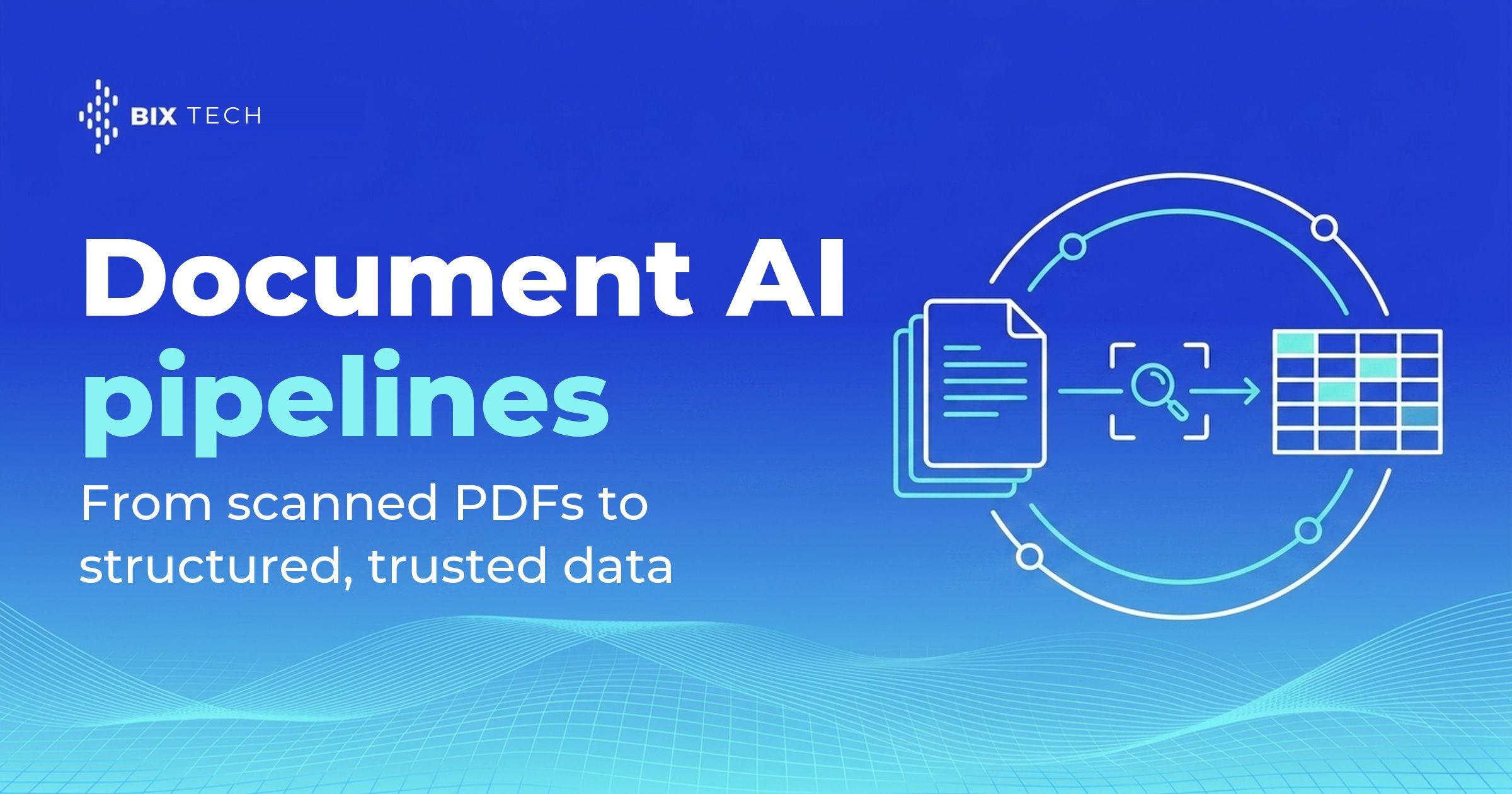
A document AI pipeline is the architecture that turns a scanned PDF into validated, structured fields your systems can query. Invoices, contracts, medical forms, customs declarations, insurance claims: the information already exists, locked inside images of paper. According to Gartner, unstructured data accounts for 70% to 90% of all enterprise data, a figure the firm reinforced at its Data & Analytics Summit in London in 2026. That share explains why document processing keeps landing on the roadmap of every data engineering team.
The distance between "we ran OCR on it" and "we have structured data" is wider than most projects assume. Optical character recognition returns characters and coordinates. A finance system needs a supplier tax ID, a due date, a total, and a list of line items, each one typed, validated, and traceable. Closing that gap takes a pipeline with distinct stages instead of a single API call, much like the layered discipline behind RAG in production.
That difference weighs more now that AI agents read documents on their own. When a model pulls the wrong number out of a contract, the error propagates quietly into a report, a payment, or an audit trail. Therefore the architecture around extraction, meaning validation, confidence thresholds and human review, carries as much weight as the model itself, a principle familiar to anyone working on LLM governance.
What a document AI pipeline actually does
The industry name for this workload is IDP, short for intelligent document processing. It covers the full path from a file landing in a folder to a record landing in a database, and it treats reading the page as only one step of several. The output is a typed record with a known schema, ready to join the rest of your analytical architecture.
Plain OCR answers "what characters are on this page?". A document AI pipeline answers a harder question: "which of these values is the invoice total, and can I trust it?" Answering that requires a target schema, type coercion, and a rule that rejects a total which fails to match the sum of the line items. Teams that already enforce schema validation on model outputs will recognize the pattern immediately.
Document types also behave very differently. A structured tax form has fixed field positions, a semi-structured invoice varies by supplier, and an unstructured contract hides the relevant clause anywhere across forty pages. One extraction strategy rarely serves all three, which is why classification comes before extraction and why pipelines that feed AI agents connected to external tools branch by document class.
The IDP architecture flow behind a document AI pipeline
Most production designs converge on the same sequence of stages. AWS publishes its own IDP accelerator reference architecture with a pipeline mode that runs OCR, then classification, then extraction, then an assessment step, then rule validation, which mirrors the flow below. Whether you orchestrate it with Step Functions, Airflow or a durable workflow engine, the stages stay recognizable.
| Stage | What happens | Typical output |
|---|---|---|
| Ingestion | Files arrive from email, SFTP, a scanner or an API drop zone | Raw PDF or image plus source metadata |
| Pre-processing | Deskew, denoise, rotate, and split multi-page packets into logical documents | Normalized page images |
| Classification | The pipeline identifies each document type before any extraction runs | Document class per page or per packet |
| Text and layout parsing | OCR reads characters while a layout model recovers reading order, tables and checkboxes | Text with coordinates, tables, chunks |
| Field extraction | A prebuilt parser, a trained custom model or an LLM maps content onto a schema | Typed key-value pairs and line items |
| Validation | Business rules, master-data lookups and arithmetic checks test each value | Pass, fail or flag per field |
| Confidence and review | Low-confidence fields route to a human queue and corrections feed the training set | Approved record plus a correction log |
| Delivery | The record lands in the warehouse, an ERP or an API response | Structured, queryable data |
Splitting and classification deserve special attention, because packets arrive glued together. A mortgage file or a customs bundle can hold a dozen documents in one PDF, so the pipeline has to cut it apart before it can extract anything reliably. Both Google Cloud and Microsoft ship dedicated classifier and splitter models for exactly this reason, and keeping that boundary explicit is what makes the run auditable when you add data lineage and traceability.
Where the LLM belongs in the flow
The tempting shortcut is to send raw page images straight to a multimodal model and skip the OCR stage entirely. That works for low volumes and short documents. At scale the hybrid arrangement, layout model for reading and LLM for extraction logic, tends to hold up better on both accuracy and unit cost, a trade-off that echoes the lessons teams reported after running agentic AI in production.
Reserving the model for the reasoning part also keeps the pipeline debuggable. When a field comes out wrong, you can tell whether the OCR misread the character or the extraction step misinterpreted a correctly read value. That separation matters when documents feed the same warehouse that powers your AI-native analytics.
Choosing the extraction layer
Every major cloud offers the same three options in different packaging. Google Cloud organizes Document AI around processors, including Enterprise Document OCR, a Layout Parser that produces context-aware chunks, a Form Parser, prebuilt parsers for invoices, bank statements and pay slips, and a Custom Extractor, as listed in the Document AI processor catalog. Comparing those building blocks against their AWS and Azure counterparts follows the same logic as any other cloud platform decision.
Amazon Textract splits the work across APIs: DetectDocumentText for raw text, AnalyzeDocument with Forms, Tables, Queries and Layout features, plus AnalyzeExpense for invoices and receipts and AnalyzeID for identity documents, with asynchronous operations for multi-page files, per the Amazon Textract developer guide. Azure AI Document Intelligence takes the custom-model route further: its documentation states you need only five examples of the same form to start training, and version 4.0 adds signature detection plus table, row and cell level confidence, as described in the custom document models reference. Both routes can be exposed through the same governed layer that protects sensitive files under data residency requirements.
| Approach | Fits when | Trade-off to plan for |
|---|---|---|
| Prebuilt parser | The document is a common commercial type with stable fields | Field coverage is fixed by the vendor schema |
| Trained custom model | A recurring in-house form exists and labeled samples are available | Requires labeling effort and periodic retraining |
| Generative extraction | Layouts vary widely or the target schema changes often | Requires prompt versioning, schema validation and cost control |
BIX Tech works across multiple data, cloud and engineering stacks, so the sensible answer here is situational rather than universal. A team processing two hundred supplier invoices a month has a very different calculus from one parsing scanned clinical records under strict retention rules. The volume, the variance across layouts and the cost of an undetected error decide the fit, in much the same way they shape a lakehouse architecture choice.
Confidence, review and running the pipeline in production
Confidence scores are the control surface of the whole design. Set a threshold per field, auto-approve what clears it, and route the rest to a review queue where an operator corrects the value in seconds. Tracking those thresholds alongside latency and error rates is standard observability practice applied to documents.
Accuracy also needs a fixed yardstick. Hold back a labeled golden set of real documents, score every model or prompt change against it, and treat a regression as a blocked release. Packaging the pipeline so it runs the same way in staging and production, which is exactly what container-based deployment gives you, keeps that comparison honest.
Human corrections are the most undervalued asset in the flow. Every fix an operator makes is a labeled example, and feeding those back turns the review queue into a training loop that lifts accuracy over time. From there the extracted records behave like any other source and flow into your transformation and semantic layer.
A document AI pipeline earns its keep when the boring parts are in place: classification before extraction, validation after it, a confidence threshold that decides what a human sees, and a golden set that tells you whether last week's change helped. The models will keep improving on their own. The architecture around them is what makes the output trustworthy enough to post to a ledger or hand to an agent, which is the same reasoning behind a well-built semantic layer.
Where to go deeper on OCR and computer vision
On the OCR side, how OCR converts documents into structured data covers the recognition step itself, how intelligent OCR turns documents into data covers what changed once layout-aware models replaced pure character recognition, and intelligent document parsing for business efficiency covers the process side: which documents are worth automating and what the exception path looks like.
For the wider set of vision problems, computer vision with Python and five real-world projects is the hands-on entry point, the rise of computer vision in business covers where it is being deployed beyond text, and three things computer vision can do for your business and computer vision applied to everyday operations cover shorter applied examples.
Once the text is off the page, pulling out names, organizations and dates becomes a language problem, and the techniques for it are laid out in how named entity recognition works and where it struggles.
If your company is turning scanned documents into data that finance, operations or AI systems can actually rely on, our specialists can help design the right architecture for your context. Talk to our team and move your data maturity forward. ⬇️

What is a document AI pipeline? A document AI pipeline is an architecture that converts unstructured files such as scanned PDFs into structured, validated records. It chains ingestion, pre-processing, classification, OCR and layout parsing, field extraction, business-rule validation, human review of low-confidence values, and delivery to a database, ERP or API.
What is the difference between OCR and intelligent document processing? OCR reads characters and returns text with coordinates. Intelligent document processing goes further: it classifies the document, maps content to a defined schema, validates values against business rules, scores confidence, and routes uncertain fields to a human. OCR produces text, while IDP produces trustworthy structured data.
How accurate does a document AI pipeline need to be? Accuracy targets depend on the cost of an error, so set them per field rather than per document. Fields that drive payments or compliance usually get a high confidence threshold with mandatory human review below it, while descriptive fields can auto-approve. Measure every change against a labeled golden set.
Should I use an LLM or a specialized document AI service? Both, usually. Specialized services handle OCR, layout and common document types with predictable cost and confidence scores. LLMs handle variable layouts and schemas that change often. A hybrid design, layout model for reading plus LLM for extraction logic, tends to balance accuracy and unit cost better than sending raw images to a model.
How do I start a document AI pipeline project? Pick one document type with real volume, define the target schema field by field, and collect a labeled sample set to measure against. Azure documentation notes that custom model training can begin with as few as five examples of the same form, so a narrow first scope is enough to prove the flow before expanding.